How to make an ATS friendly resume
Updated ·4 min read
Most medium and large employers, and many small ones, collect applications through an applicant tracking system, or ATS. Workday, Greenhouse, Lever, iCIMS, Taleo and SmartRecruiters are some of the best known. Your resume is read by one of these before a person sees it.
There's a lot of fear and myth about what that means. This guide explains what an ATS really does, the handful of formatting choices that genuinely cause problems, and how to make sure yours is read correctly.
What an ATS actually does
An ATS is a database with a workflow on top. When you apply, it does three things with your resume:
- Extracts the text from your file, whether PDF or Word.
- Parses that text into fields: your name, contact details, job titles, employers, dates, education and skills.
- Stores it so recruiters can search, filter and rank applicants, often by keywords and by answers to screening questions.
The important thing to understand is that recruiters mostly find you by searching. If they search for "Salesforce" or "registered nurse" and those words aren't in your resume's text (or were lost when the text was extracted), you won't come up, however well qualified you are.
Formatting that breaks parsing
Text extraction reads a page roughly top to bottom, left to right. Anything that relies on visual position to make sense can come out garbled. These are the usual culprits:
| Problem | What happens | Do this instead |
|---|---|---|
| Two or more columns | Lines from the columns are read across and mixed together, so skills end up inside job titles | One column, top to bottom |
| Tables and text boxes | Cells may be read out of order or skipped | Plain text with tab aligned dates |
| Text in images, logos or charts | Invisible to the parser: it isn't text | Write it as text |
| Icons instead of labels | A phone icon next to a number is fine, but an icon alone for a skill is lost | Always use words |
| Contact details in the header or footer area | Some parsers ignore those areas | Put them in the body at the top |
| Unusual section headings | "Where I've been" may not be recognised as experience | Experience, Education, Skills |
| Scanned PDF | A picture of text, with nothing to extract | Export the PDF from your document |
Fonts, colours and bold text are fine. Modern systems handle standard fonts and simple styling without trouble. The problem is structure, not decoration.
PDF or Word?
A PDF exported from a word processor or resume builder is read correctly by current tracking systems and keeps your layout exactly as you designed it. Word files (.docx) are also safe. Use whichever the application asks for; if it doesn't say, a text based PDF is a good default.
What matters is that the PDF contains real text. A quick test: open it and try to select and copy a line. If you can, a parser can read it.
Use keywords honestly
Keywords are the specific words recruiters search for: job titles, hard skills, tools, certifications and industry terms. The job posting tells you which ones matter. Read it and note the words it repeats or lists as requirements.
Then make sure the ones that are true for you appear in your resume, in the posting's own words. If the posting says "customer relationship management (CRM)" and you wrote "client database", use their term. Put them where they make sense: your summary, your bullets and your skills section.
Weak
Skills: Python, JavaScript, Java, C++, Go, Rust, Kotlin, Swift, Ruby, PHP, Perl, Scala
Strong
Skills: Python, SQL, Airflow (the three the posting asks for), plus a bullet showing a pipeline you built with them
Don't stuff keywords you can't back up, and never hide them in white text. Recruiters read the resume after the search finds it, and hidden text is easy to spot when the extracted text is displayed.
The tailoring guide shows the full process for a single application.
An ATS friendly resume checklist
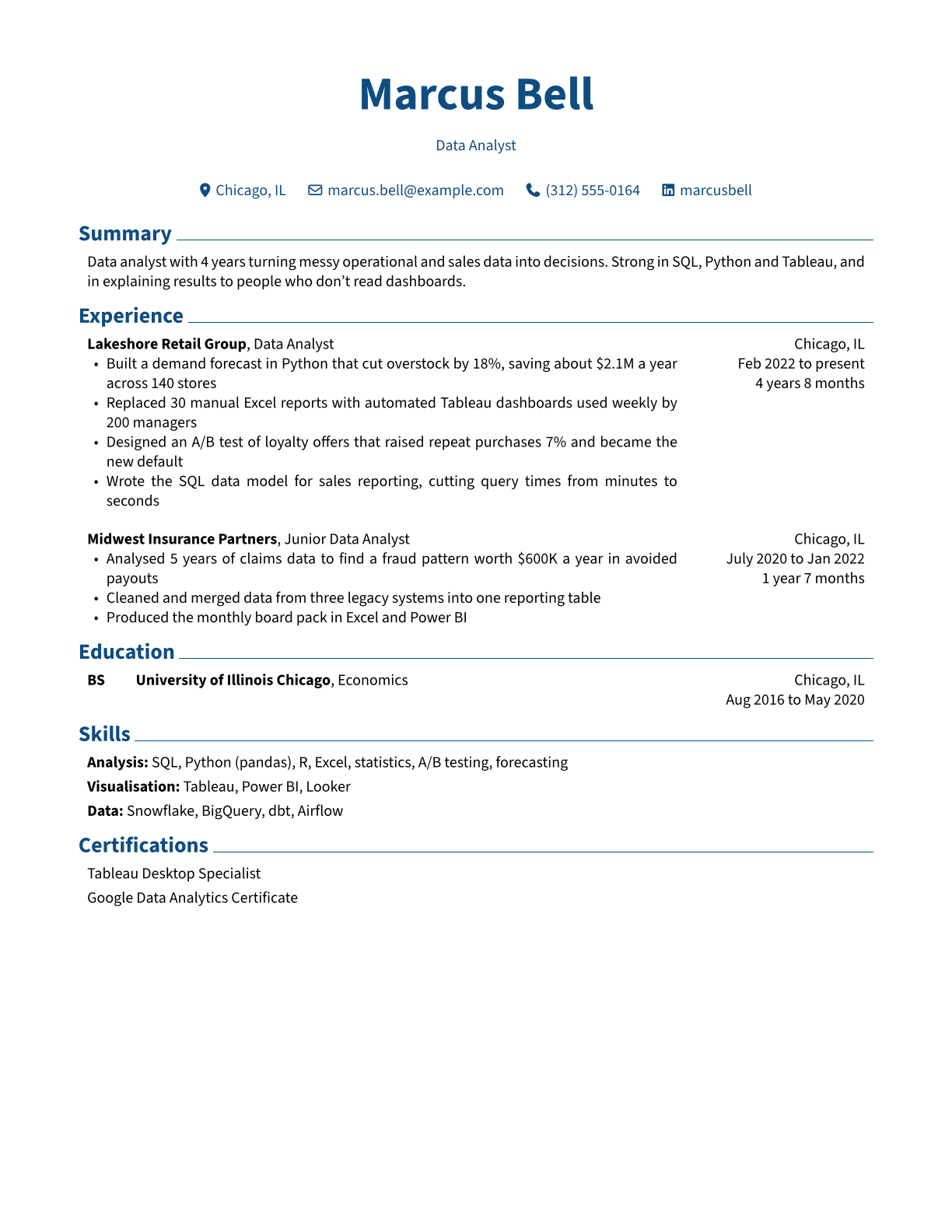
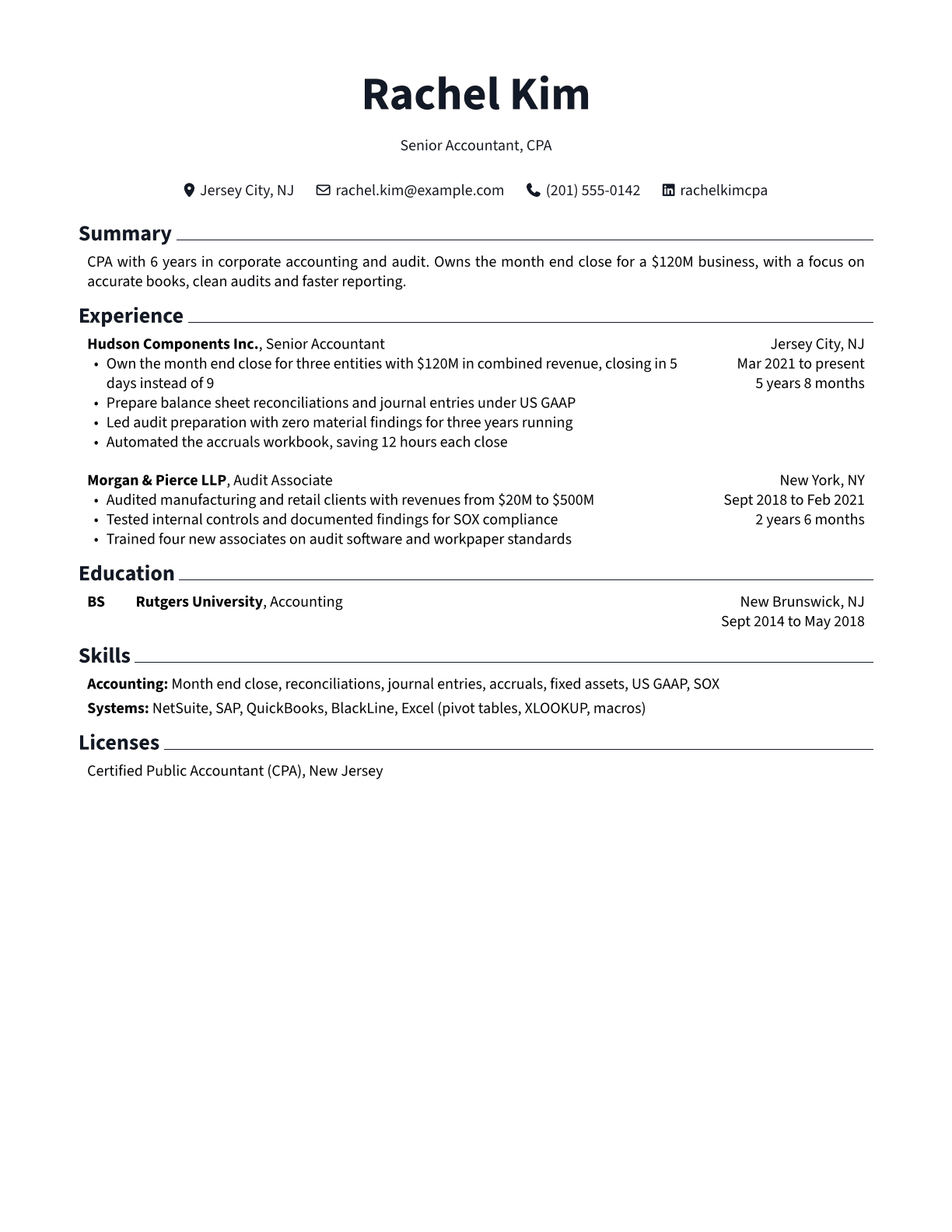
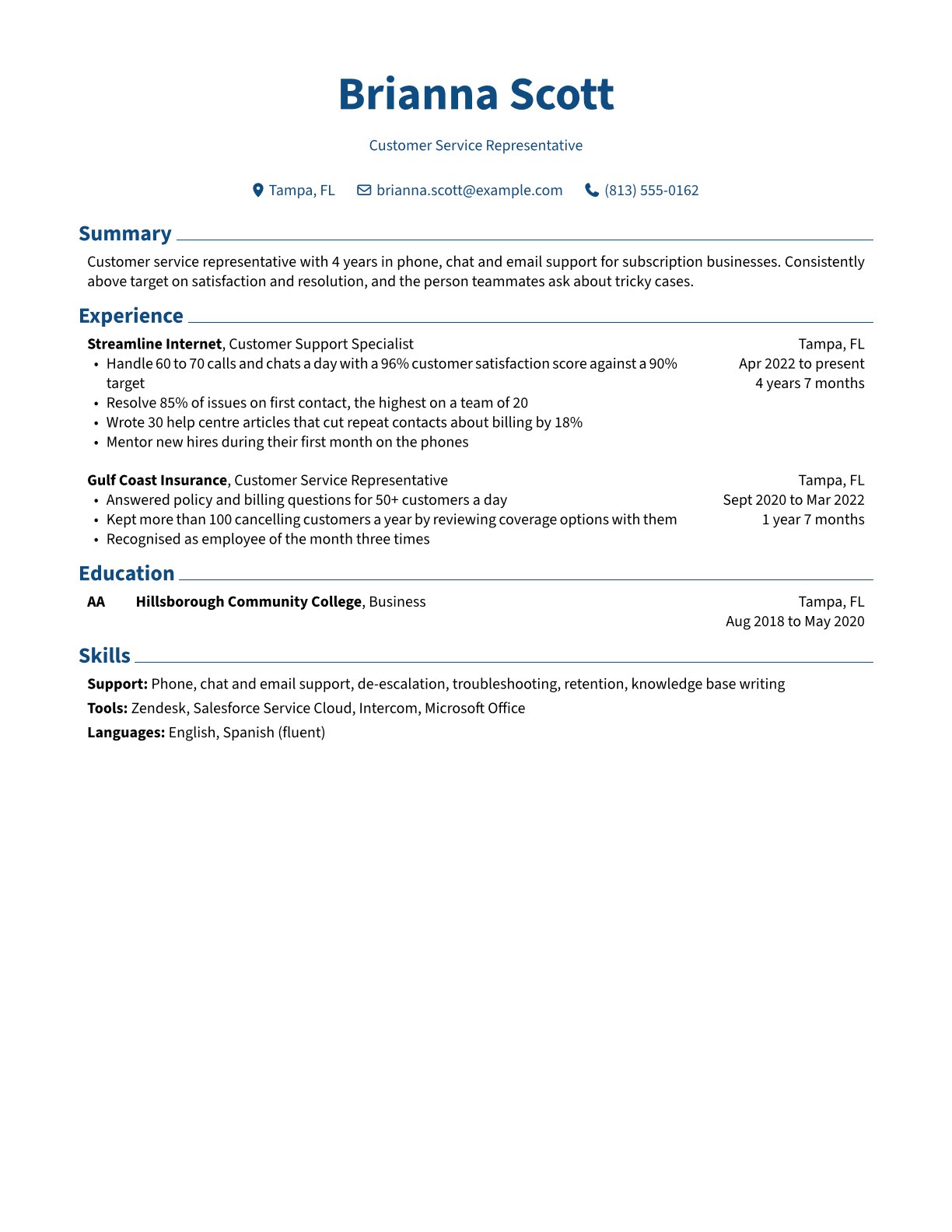
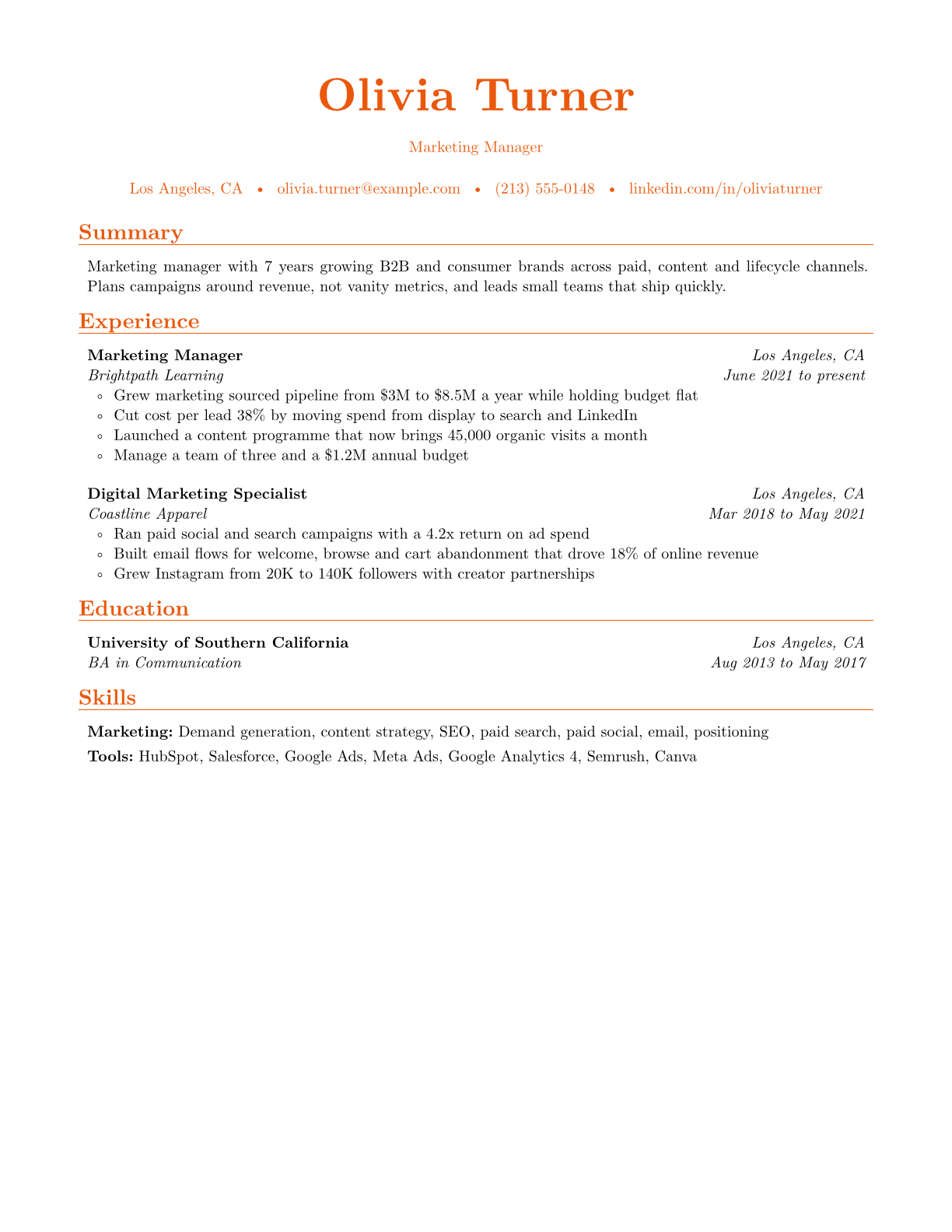
- Single column layout with no tables or text boxes
- Standard headings: Summary, Experience, Education, Skills
- Contact details as text in the body, at the top
- Job title, employer and dates on every role, in a consistent format
- Skills written out as words, matching the posting's terms
- No important text inside images, charts or icons
- A text based PDF or a .docx file
- A sensible file name, such as firstname-lastname-resume.pdf
Every Sembis resume template is built to pass this checklist: one column, standard headings and a real text PDF.
Test your resume before you apply
You don't have to guess. The free ATS resume checker extracts the text from your PDF or Word file the same way a tracking system does, shows you exactly what came out, and flags layout problems, missing contact details, unrecognised headings and more, with a fix for each.
If a section comes out jumbled or missing, that's what recruiters' software sees too.
Frequently asked questions
Do applicant tracking systems reject resumes automatically?
Rarely because of the resume itself. Automatic rejections usually come from knockout screening questions, such as work authorisation or a required license. The bigger risk is that a badly parsed resume is never found in a recruiter's search.
Can an ATS read a PDF?
Yes. Current systems read text based PDFs well. The exception is a scanned PDF, which is an image with no text to extract.
Are two column resumes bad for ATS?
They're the most common cause of scrambled parsing, because text is read across the columns. A single column layout is the safe choice.
Is there such a thing as an ATS score?
Some systems rank candidates against the job's requirements, and each vendor does it differently. There's no universal score. Focus on being readable and on including the skills the posting asks for that you genuinely have.