How to write a resume: a step by step guide
Updated ·5 min read
A resume has one job: to get you an interview. It isn't a record of everything you've done. It's a short, targeted argument that you can do the job you're applying for, written so that a busy recruiter can see it in seconds and a tracking system can read it without errors.
This guide walks through every section in the order you'd write it, with examples you can adapt. If you'd rather start from a finished resume for your job, browse the resume examples.
1. Choose a simple format
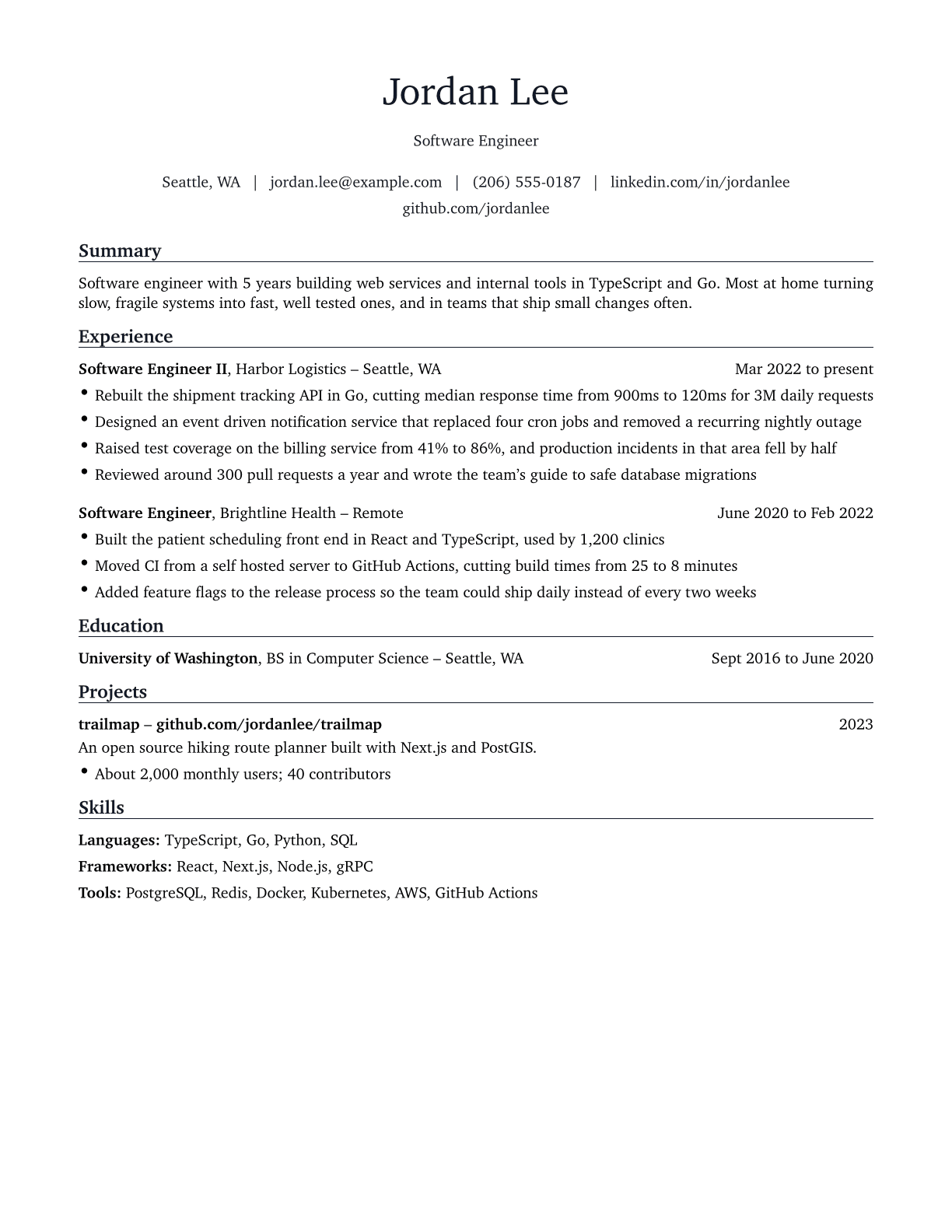
For almost everyone, the right choice is the reverse chronological format: your most recent job first, then the one before, and so on. It's what recruiters expect, and it's what applicant tracking systems parse most reliably.
Keep the layout to a single column with clear section headings. Two column designs, tables, text boxes and graphics look polished but often come out scrambled when software reads them. The resume format guide covers the other formats and when they make sense.
2. Put your contact details at the top
Your name goes first, large and clear. Under it, on one or two lines:
- Phone number and a professional email address
- City and state (or city and country). A full street address isn't needed any more
- LinkedIn profile, if it's up to date
- A portfolio, GitHub or personal website, if it's relevant to the job
Leave out your date of birth, marital status and, in the US, UK and Canada, a photo. They take up space, can invite bias, and many employers prefer not to receive them.
Put contact details in the body of the page, not in the document's header or footer area. Some tracking systems skip those areas, and your phone number is the one thing they can't lose.
3. Write a short summary
A summary is two or three sentences at the top of the page that tell the reader who you are and why you fit. A good one names your role, your experience, what you're strongest at and one piece of proof.
Weak
Hard working, detail oriented professional seeking a challenging role where I can grow.
Strong
Data analyst with 4 years in retail and insurance. Uses SQL, Python and Tableau to answer business questions, with analyses that have saved over $2.7M a year.
The weak version could describe anyone. The strong one could only describe this person. There are 20 more in the resume summary guide.
4. Turn your work experience into achievements
This is the section that gets you hired, so spend most of your time here. For each job, list your title, the employer, the location and the dates (month and year). Then add three to five bullet points.
The most common mistake is writing duties: what the job was meant to involve. A hiring manager already knows roughly what a nurse or an accountant does. What they don't know is how well you did it. Write achievements instead:
Action verb + what you did + the result, with a number where you can
Weak
Responsible for the monthly close.
Strong
Cut the month end close from 9 days to 5 across three entities.
Weak
Handled customer calls.
Strong
Handled 60 to 70 calls a day with a 96% satisfaction score against a 90% target.
Weak
Worked on the company website.
Strong
Rebuilt the storefront in Next.js, lifting checkout conversion 11%.
Numbers make an achievement concrete: money saved or earned, time saved, percentages, volumes, team sizes, rankings. If you don't have exact figures, a careful estimate you could explain in an interview is fine. Start each bullet with a strong verb; the action verbs list has 180 of them sorted by skill.
5. Add your education
List your degree, subject, school and graduation year (or expected year). If you've been working for a few years, that's all you need, and education moves below experience.
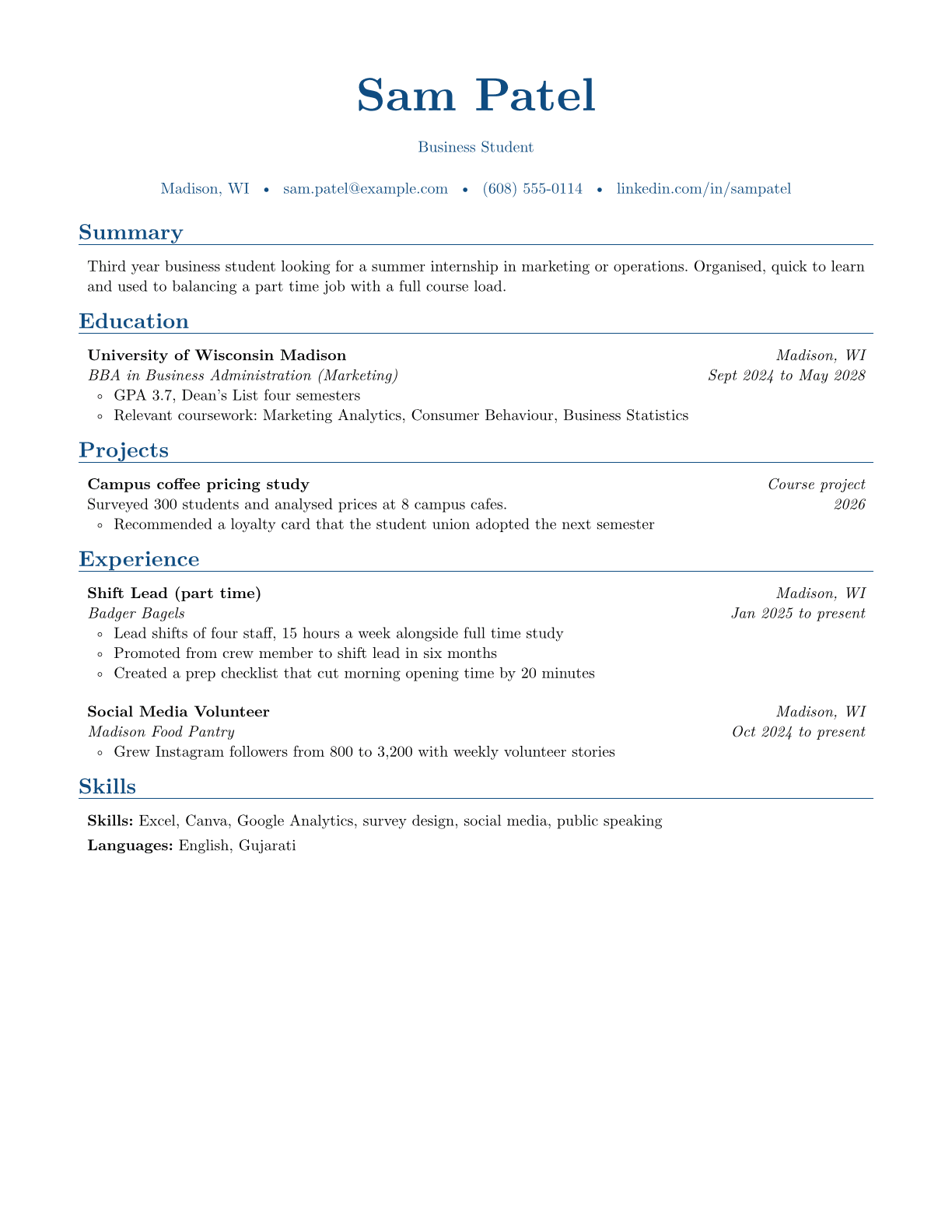
If you're a student or recent graduate, education goes first and can include a strong GPA (3.5 or above is a common rule of thumb), honours, relevant coursework and major projects. The student resume example shows how.
6. List the skills the job asks for
Your skills section is where tracking systems and recruiters look for specific words: software, tools, languages, methods and certifications. Group them under short labels so they're quick to scan:
Languages: TypeScript, Go, Python, SQL
Tools: PostgreSQL, Docker, Kubernetes, AWS
List the hard skills you actually have, using the same words as the job posting. Leave soft skills like "communication" or "teamwork" out of the list; they're more convincing when a bullet point shows them. Skip skill bars and star ratings too: they can't be parsed and don't mean anything to a reader.
7. Add optional sections that help
Only add a section if it strengthens your case for this job. Good candidates:
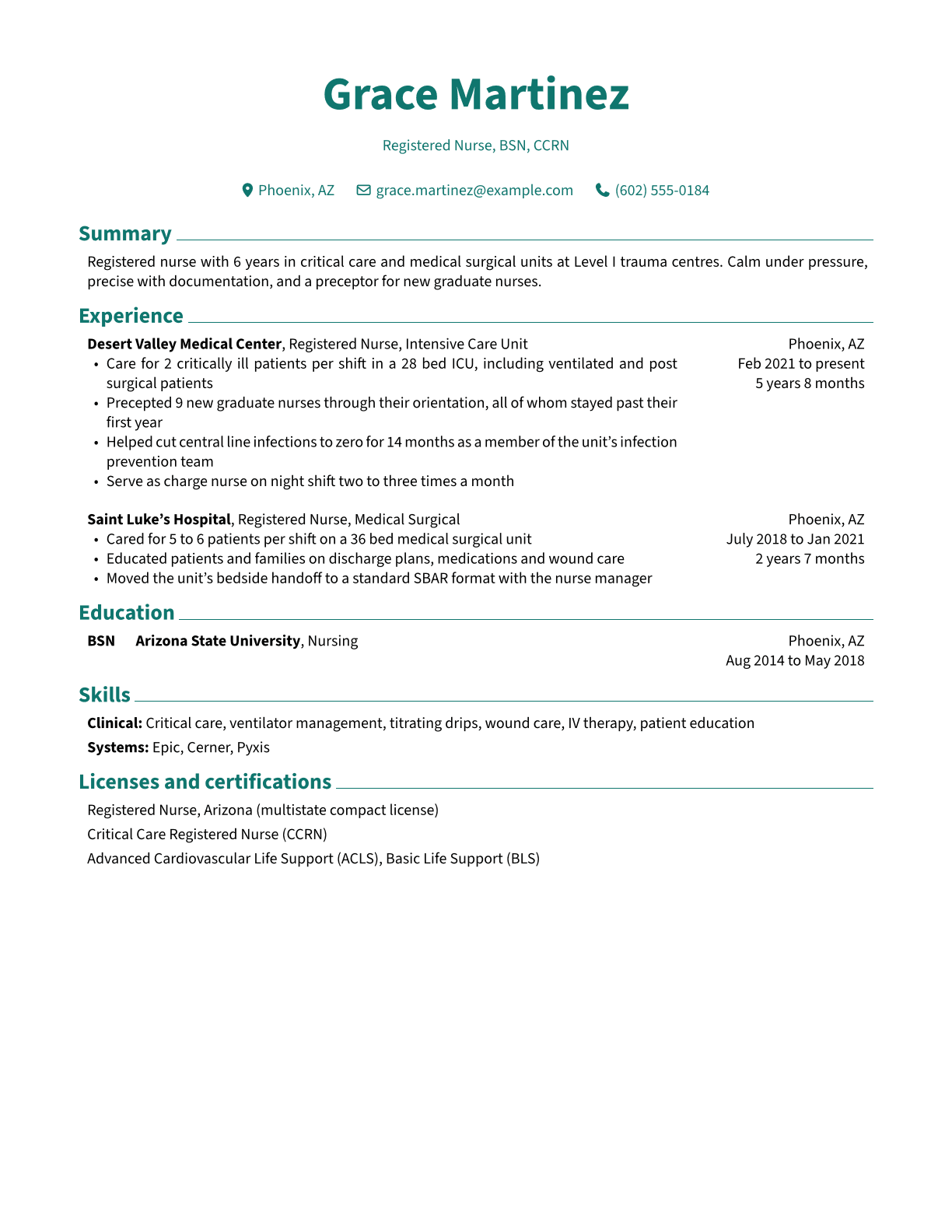
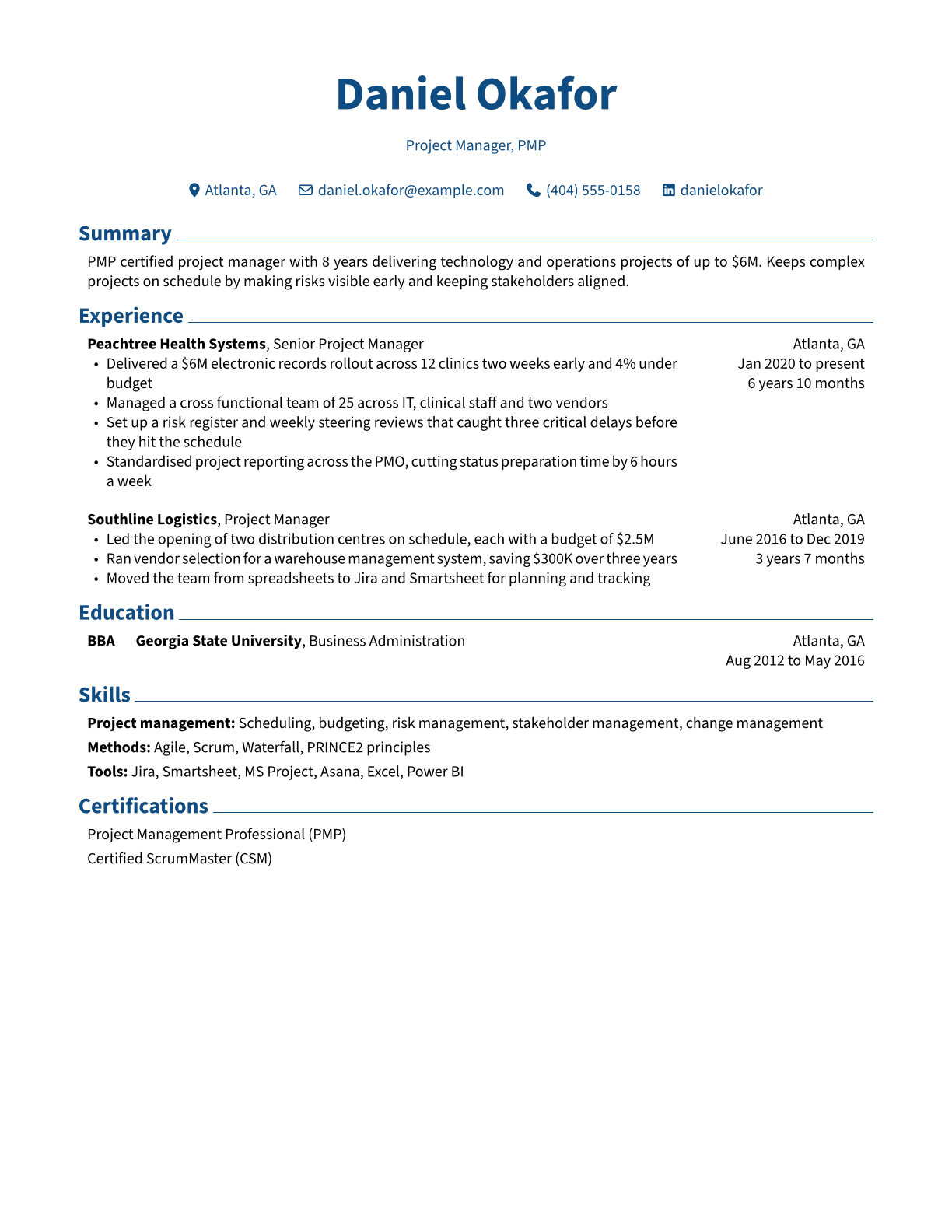
- Certifications and licenses, essential in fields like nursing, accounting, IT and project management
- Projects, for students, career changers and technical roles
- Volunteering, especially when it shows relevant skills or fills a gap
- Languages, with your level (fluent, conversational)
- Awards, when they're specific and recent
Leave out "References available on request" (it's assumed) and hobbies, unless they're directly relevant.
8. Tailor it to each job
Sending the same resume everywhere is the easiest way to be overlooked. Before each application, read the posting, note the skills and responsibilities it repeats, and make sure the ones you genuinely have appear in your summary, bullets and skills, in the posting's own words.
You don't need to rewrite everything. Reordering bullets, adjusting your summary and adding a few keywords usually takes 15 minutes. The tailoring guide walks through it.
9. Format, proofread and save as PDF
- Use a readable font at 10 to 12 points, with margins of about half an inch to an inch
- Keep dates in the same format and position throughout
- Use standard headings: Summary, Experience, Education, Skills
- Read it aloud, then have someone else read it. Typos are an easy reason to be rejected
- Save as a PDF made from your document (not a scan), and name it with your name, such as jordan-lee-resume.pdf
Finally, check what software will see. Upload your PDF to the free ATS resume checker: it shows the exact text a tracking system pulls out, and flags anything that comes out scrambled or missing.
Frequently asked questions
How long should a resume be?
One page for most people with under about ten years of experience, two pages for senior candidates with a lot of relevant work. Academic CVs and some government applications are longer by convention.
How far back should my resume go?
Usually the last 10 to 15 years. Older roles can be summarised in a line or left off unless they're directly relevant to the job.
Should I put a photo on my resume?
Not in the US, UK, Canada or Australia, where photos are uncommon and many employers prefer not to receive them. In some countries in Europe, Asia and the Middle East, photos are still common, so follow local norms.
Is it OK to use a resume template?
Yes, as long as it's a simple, single column template that tracking systems can read. Avoid templates with sidebars, tables, icons for contact details or text inside images.